-
WEEK 1
Making the most of course videos1 Quiz -
Intro to Google Colab1 Quiz
-
Python Coding Basics1 Quiz
-
WEEK 2Functions, Methods & Libraries in Python1 Quiz
-
Intro to Python Data Structures1 Quiz
-
Using ChatGPT for Python
-
Univariate Data Visualization with Plotly1 Quiz
-
WEEK 3Data Visualization Taxonomy1 Quiz
-
Multivariate Data Visualization with Plotly1 Quiz
-
Intro to Loops in Python1 Quiz
-
Writing Functions and Conditionals in Python1 Quiz



Welcome again to the GRAPH Courses! We put a lot of care and resources into creating engaging and instructive videos to facilitate your learning journey. To make the most of these video resources, here are some tips to keep in mind:
1. Use two screens or arrange windows side-by-side
When watching most videos, we ask you to code with the teacher in real time.
For this to work best, you should ideally have two screens: one for the video, and one for your own code.
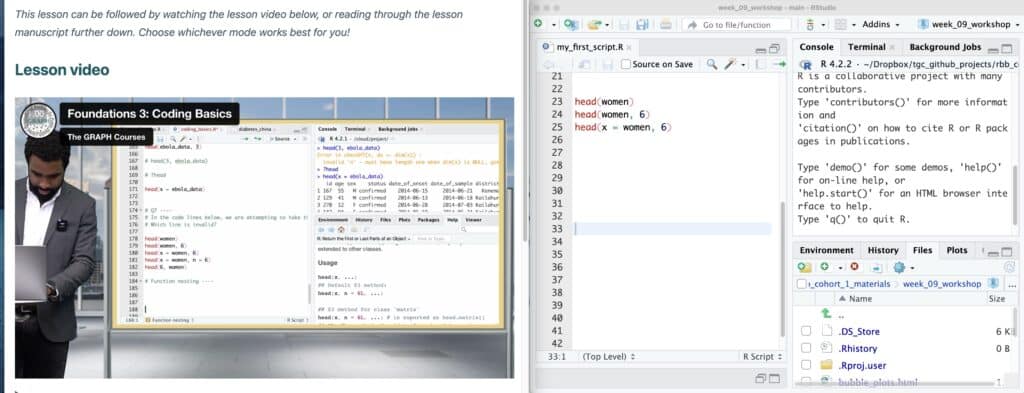
If you have only one screen, you can arrange the video and your RStudio side by side on your screen, as shown in the image below:
2. Adjust playback speed to match your comprehension
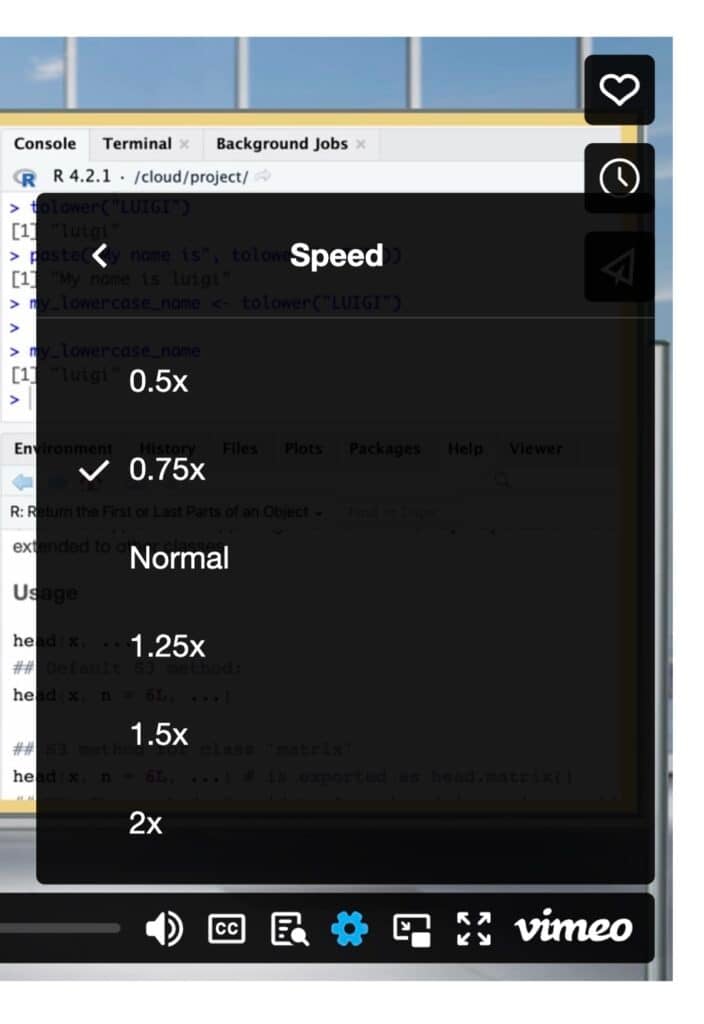
Depending on how comfortable you are with the content, it may be helpful to speed up or slow down the video. Slowing down the video to 0.75x speed on the first watch can be particularly helpful. This slower pace allows many students to comfortably follow along.
3. Revisit videos to solidify your understanding
You usually remember about 20-30% of a video when you first watch it. Therefore, it may be helpful to watch each video twice. The first time, you code along with the instructor at a slower speed. Then the second time, you speed up the video (up to 2x) to quickly revise the material and solidify your understanding.
That’s it for now. We will continue to share more tips and tricks to make the most of the course as we go along.
4. Pre-download videos if you need offline learning (e.g. for poor internet)
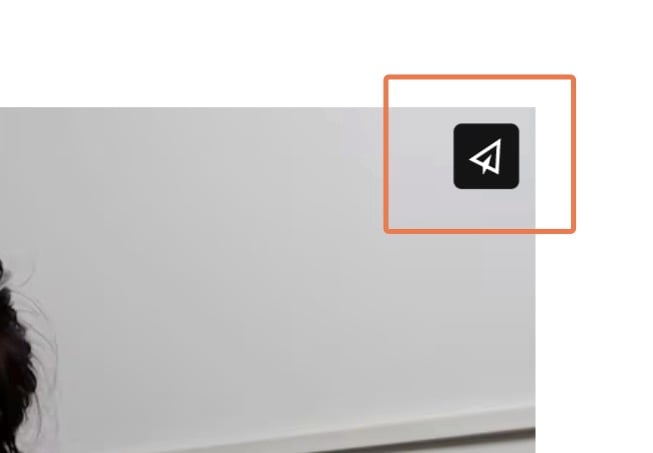
If you have a poor network connection, you may want to pre-download the course videos. To do this, click on the share button at the top right of the player:
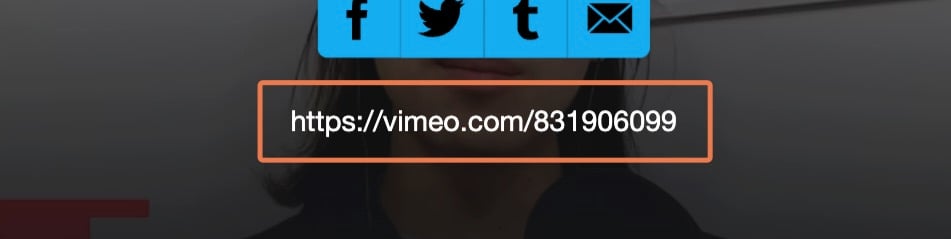
Then click on the video link to go to the vimeo.com page where the page is hosted:
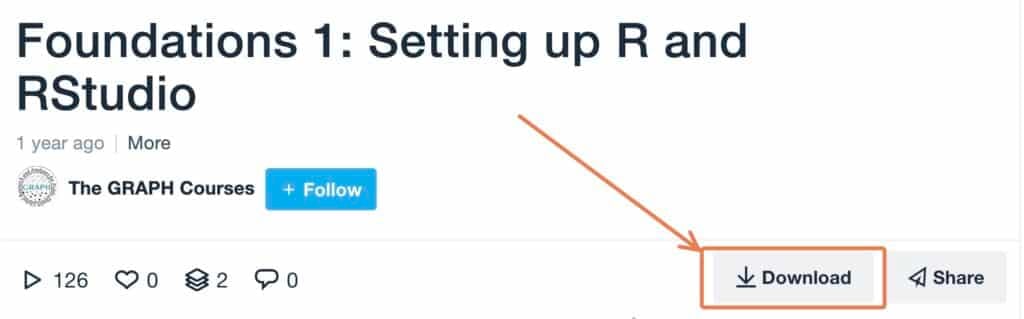
At the bottom of the video, you will see a download button.
nice tip
Looking forward.
i am exciting to start
I’m very excited to start this course
Looking forward to the course.
good
GOOD
I am excited to jump on this course. I look forward to garnering skills using R programming
Downloaded successfully
I am excited about this
I hope that I will learn a lot from this course.
good
Learning never stops
I am very proud to be among you to learn. My sincere thanks to the entire GRAPH team
No